
Practical guidance
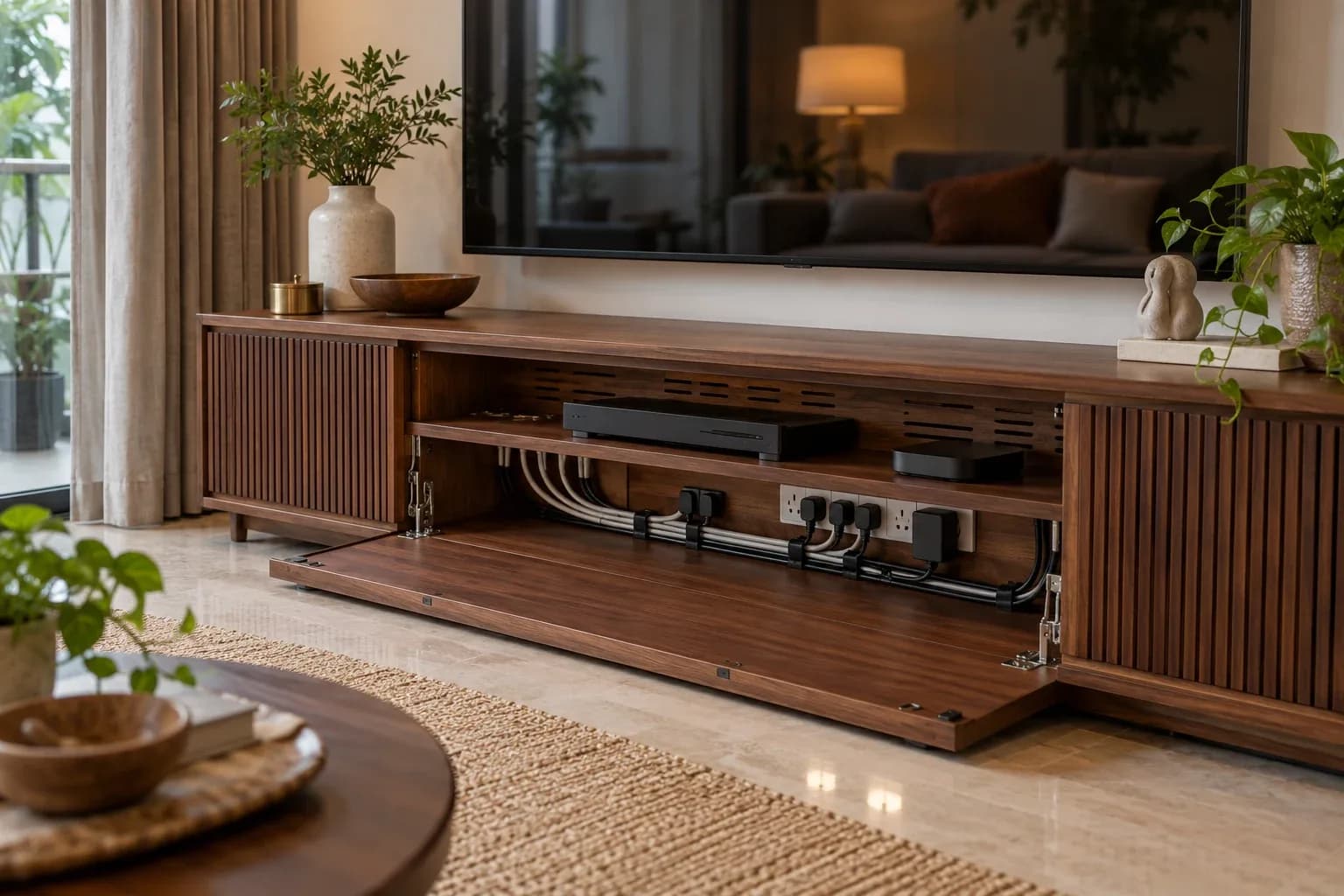
Hide TV cables with a planned route that still allows connections, equipment and controls to be reached. Start from the devices you own, then coordinate the panel, sockets and removable sections. A visually clean wall should not require dismantling furniture to change an HDMI lead.
## Map every device and connection
List the TV, set-top box, router, streaming device, console and sound system. Mark power, data and signal connections separately. Include where remotes, status lights and ventilation need access.
Record the size of cable connectors as well as the cable itself. A hole that passes a thin lead may not pass its plug. Plan bends and future replacements rather than squeezing a connector through a finished-panel opening. Keep fibre equipment accessible and follow the provider's guidance for its cable handling.
Choose a serviceable concealment method
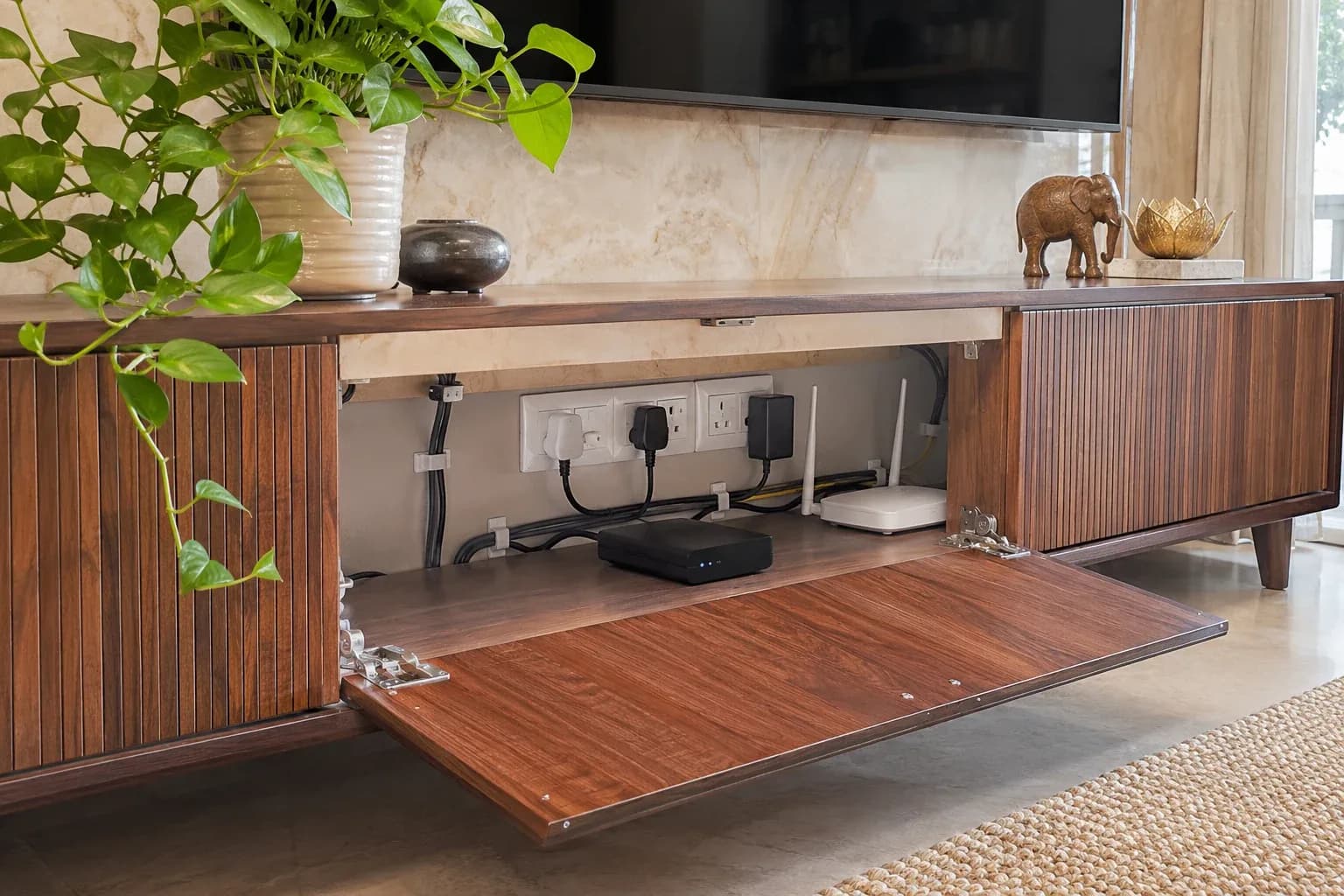
Options include an appropriate surface raceway, a designed furniture cable space or a professionally planned wall route. The suitable choice depends on the existing room and whether electrical work is being altered. Have an electrician handle fixed electrical changes and specify suitable separation and access.
For joinery, ask which panel can be removed and how it attaches. Check that a long cable can be fed through the complete route, not simply inserted into the first hole. A decorative strip covering an inaccessible tangle is not a maintenance plan.
Keep equipment cooling and controls usable
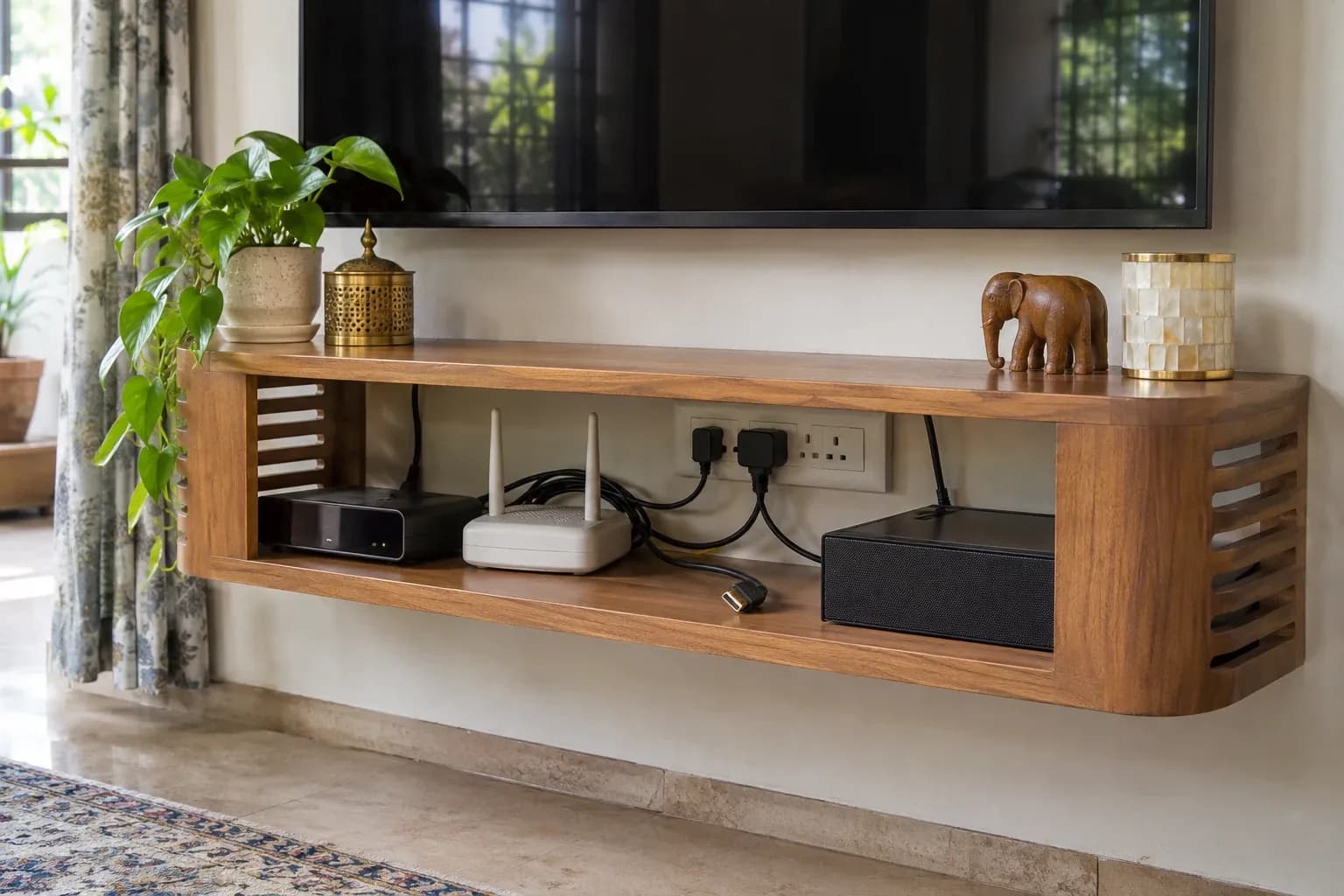
A closed cabinet can hide devices but must accommodate their operating ventilation requirements. Inspect the proposed shelf and door arrangement with the actual equipment in position. Do not bury power connections beneath fabric or overload an improvised extension arrangement.
At handover, label the accessible cable ends and keep a simple connection diagram. Test every device with the doors closed as intended and confirm that it can be disconnected or removed. Leave a planned spare route where practical instead of relying on a difficult retrofit later.
## A practical check before you decide
Draw a connection map with one line per device and show where each plug is reached. Use the largest connector to check every prepared opening. Ask the electrician and carpenter to demonstrate access and cable replacement before the final panel is fitted.
## Draw the connection route at full use
List the TV, streaming device, router, game console, sound equipment and anything likely to be added soon. Identify which connections stay behind the screen and which need regular access. Show the actual plugs on the drawing: a route that fits a cable may not allow its connector to pass through. Ask the installer to demonstrate the proposed access with a representative lead.
Keep electrical work and cable separation requirements with the electrician. Agree suitable routes and fittings before the decorative panel is fabricated. Avoid treating a narrow hidden gap as an approved cable channel without checking how the installation is supported and maintained.
## Make service panels usable
Mark how each removable section opens, where its fixings are and what furniture must move to reach it. A panel concealed behind permanently fixed shelves is not useful service access. Check that sockets, adapters and controls can be reached without pulling on leads or dismantling unrelated finishes.
Follow the equipment manufacturers' ventilation requirements. Ask how warm air leaves the cabinet with doors closed and how dust can be cleaned from the area. At handover, connect the actual devices, test controls from the seating position and try any bracket movement. Keep a labelled connection diagram and photographs of the hidden routes. The aim is a tidy wall that can accept a replacement device or cable without another round of decorative repairs.
## Draw the access cover in section
If a proposal uses an 18 mm access panel, label that as the panel thickness and show the separate clear cable space behind it. That illustrative dimension is not a required cabinet detail. Have the maker show how the cover is released and how a connector passes through the available opening. Check the actual fittings and equipment before approving the final dimensions.
Questions people ask us
Can every cable be run inside the wall?
Use only routes and cable types suitable for that application, designed by the relevant professional.
Should I hide the router in a closed cabinet?
Check cooling, signal and provider requirements before choosing its location.
Why measure the connector?
Its plug may be much larger than the cable diameter.
Can a feature panel be removable?
It can be designed that way, with suitable fixings and finished edges.
What should the handover demonstration include?
Device operation, connection access and the route for replacing a cable.